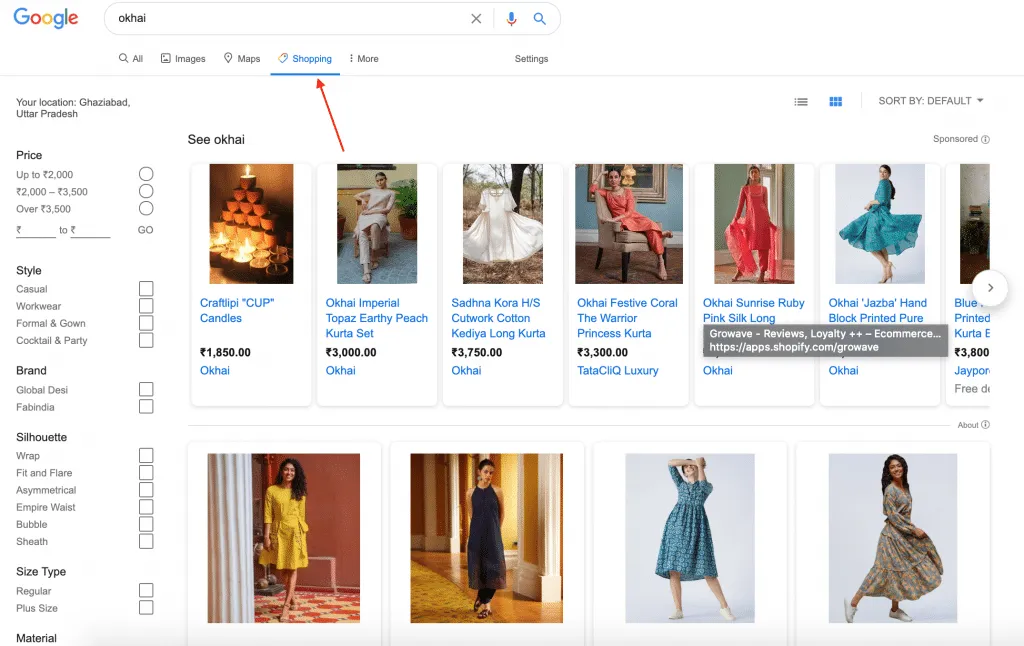
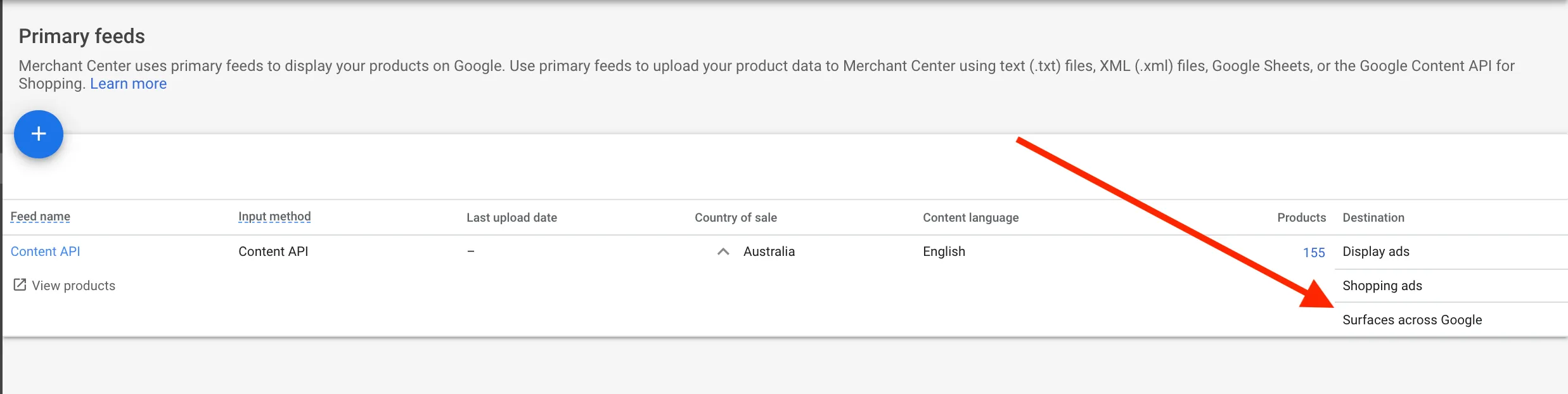
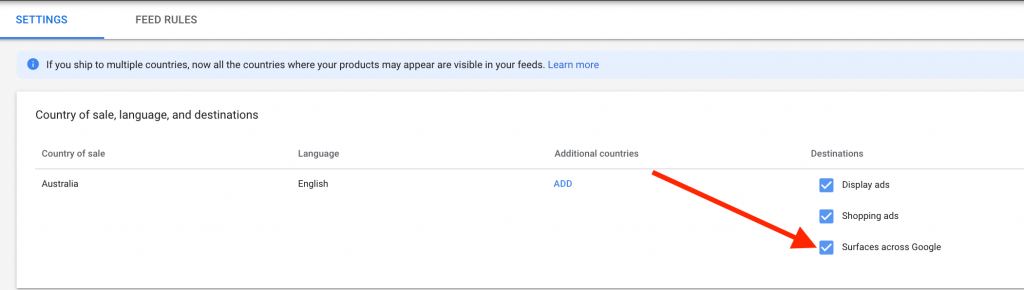
This helps you to reach potential customers for free without spending a penny on ads.
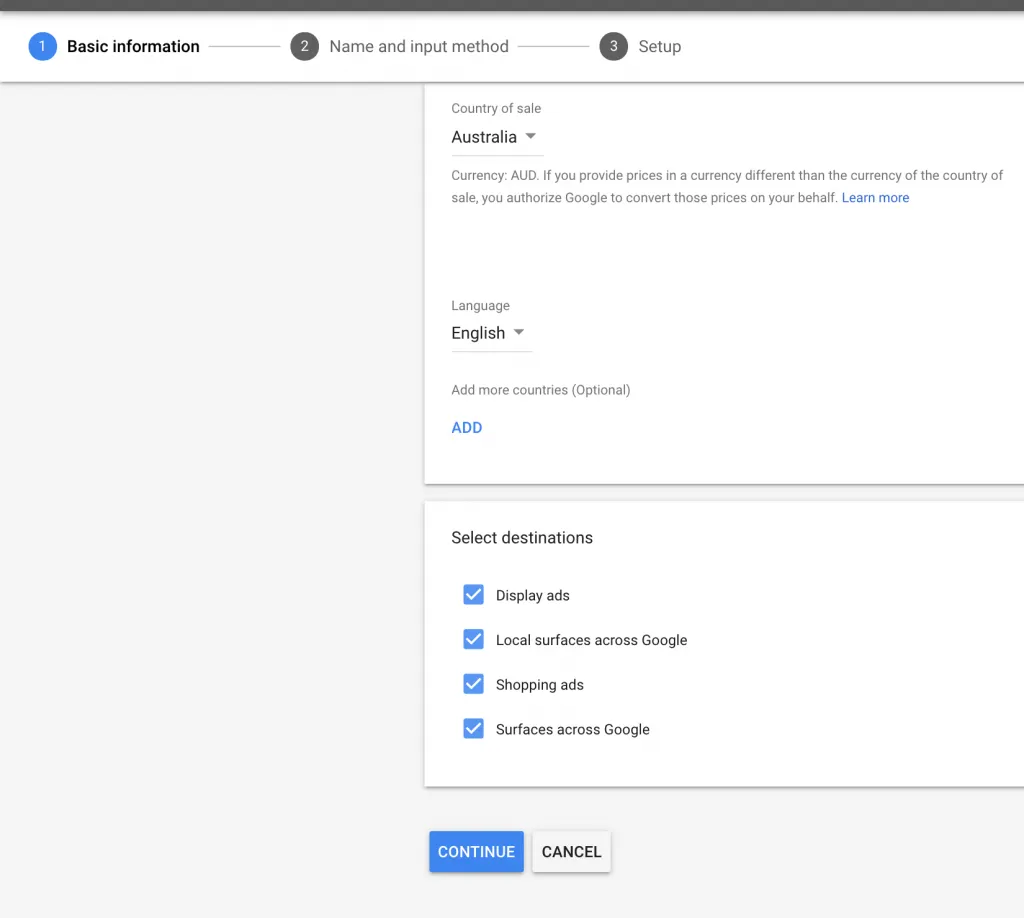
Surfaces across Google has free product listing in these three inventories which you can use for your advantage which help to grow your business.
The Shopping tab (shopping.google.com)
Google Search (google.com)
Google Images (images.google.com)
If you are having Google Ads Account and Merchant Center configured then it is very easy for you to opt-in to this program.
In this tutorial, you will learn how you can Connect Your Shopify Store to Google Shopping Tab
Step 1: Create Google Merchant Account
If you are having a Merchant Center account then move to Step 2, if you don’t have one, then create google merchant account.
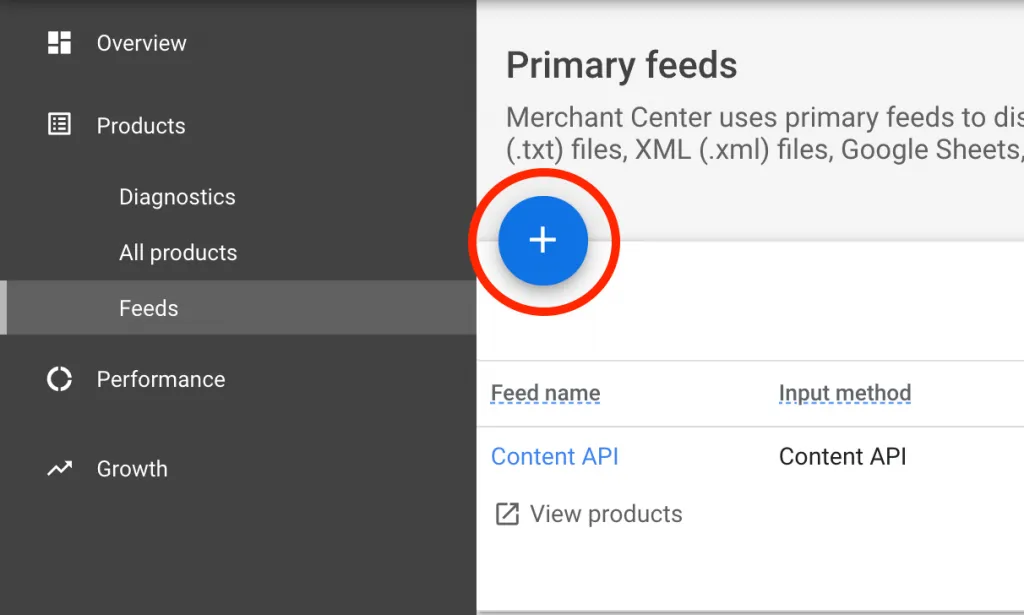
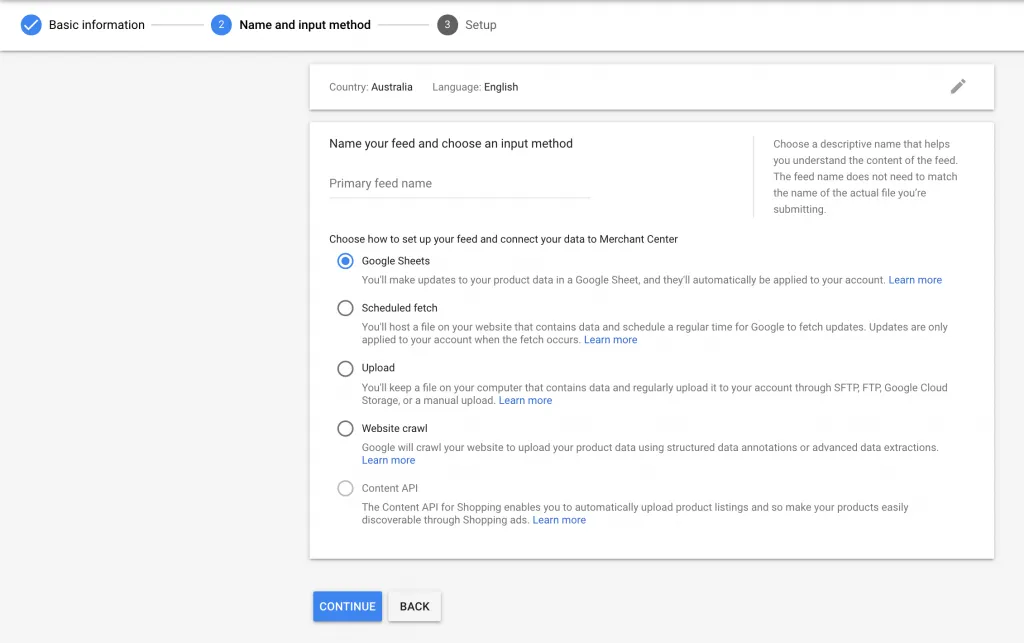
Step 2: Create a Product Feed
There are many ways through which you can connect product feed to Google Merchant Center.
Shopify has a free Shopify Google Shopping app to sync your product automatically. This app is developed by the Shopify team, and if you need any support Shopify team will help you.
Looking for a comprehensive Google Ads checklist to help you optimize your campaigns and increase conversions? Look no further! Our Google Ads checklist covers everything from keyword research and ad copywriting to targeting and budget management. Follow our step-by-step guide to ensure your Google Ads campaigns are set up for success and driving maximum results. Don't miss out on valuable leads and sales – start using our Google Ads checklist today!"