
How To View Full Page URLs In GA4
Discover how to view full page URLs in GA4 and gain deeper insights into your website's performance. Uncover actionable strategies to boost user experience and conversions.
Read more →
Book a free audit call and we will tell you which lever moves your numbers first.
Book a free auditRecently, Google has updated the search terms report for Google Ads. Starting September 2020 the report will be having only a significant number of users searched “Search Terms” in google ads report.
Google want to improve standards of privacy and protection of user data due to this they have taken this step.
Well, as an advertiser still you can get some insights about google search terms in Google Analytics which was removed in google Ads.
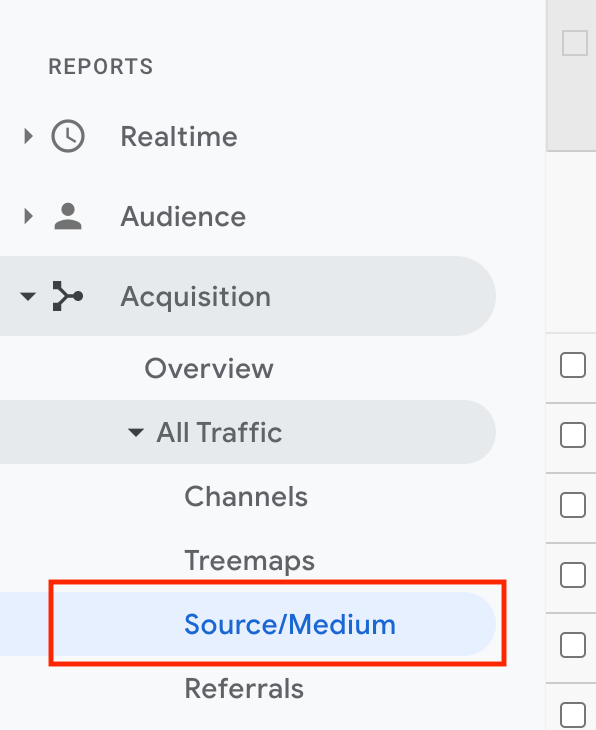
Step 1: First, open Google Analytics then, Go to Acquisition > All Traffic > Source/Medium.
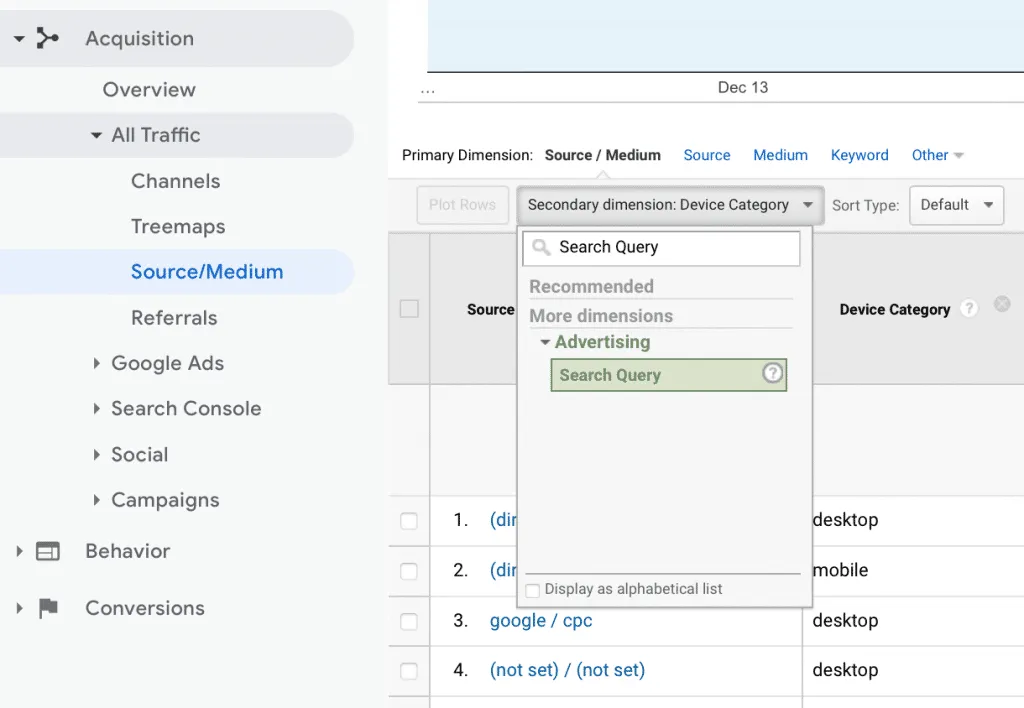
Step 2: Find google/cpc in the source/medium column.
Step3: In the secondary dimension add “Search Query” from the drop the drop down.
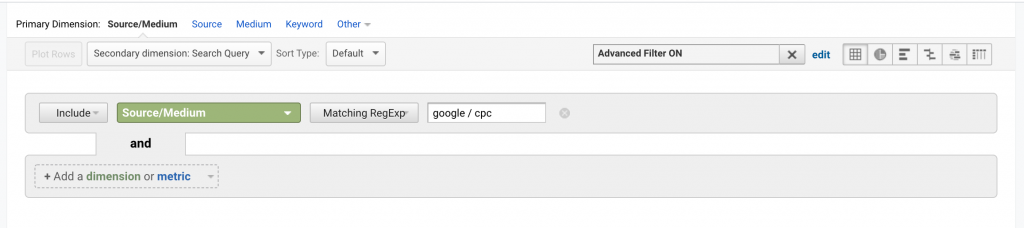
Step 4: In “Advance option” only include Search Query which is containing “google / cpc”
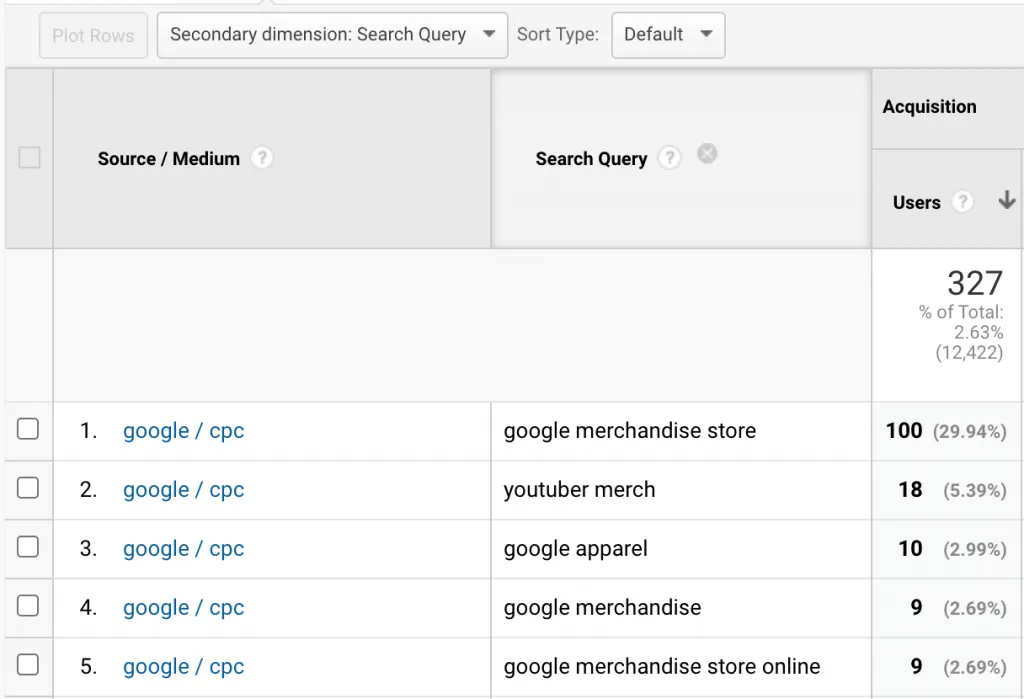
Now you will see a list of all the search queries which are attributed from your google ads.
Also Read: How to find Top Performance Product Traffic Source in Google Analytics
You can save this report by clicking on the SAVE button which is on the top and give the name of the report.
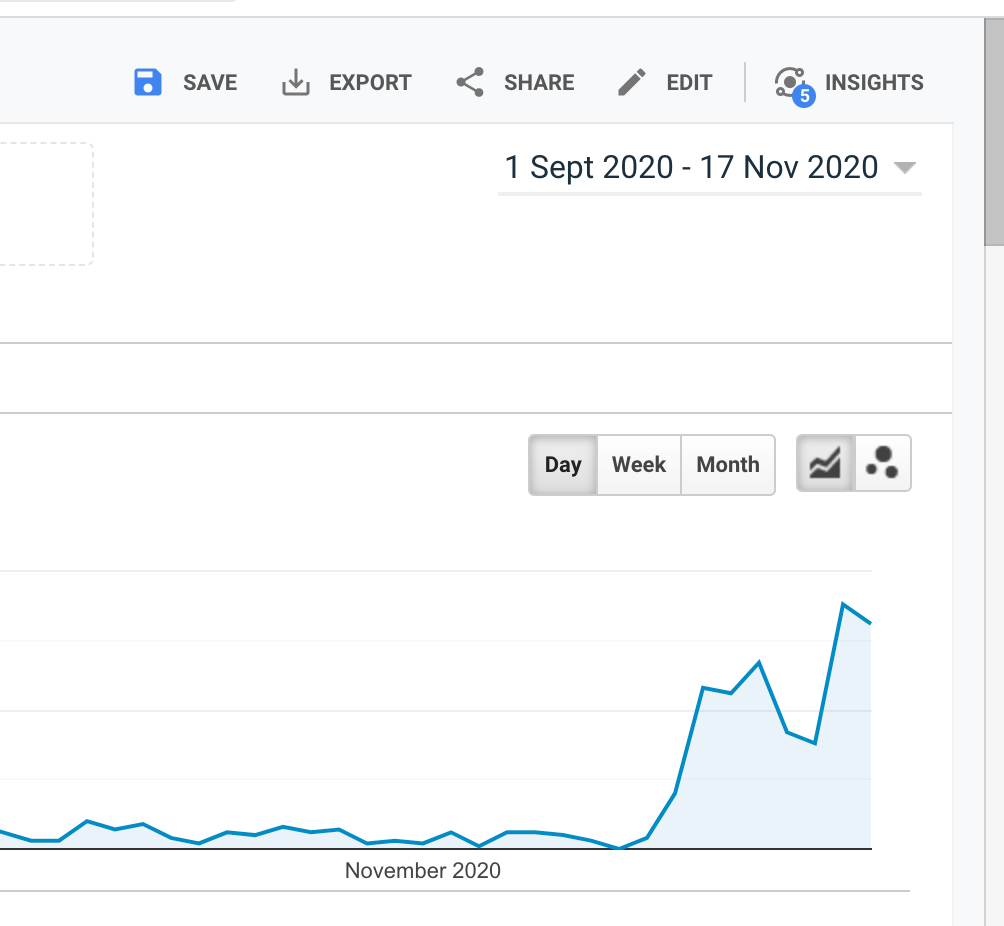
To access the report quickly you can go Customization > Saved Reports from the left menu.
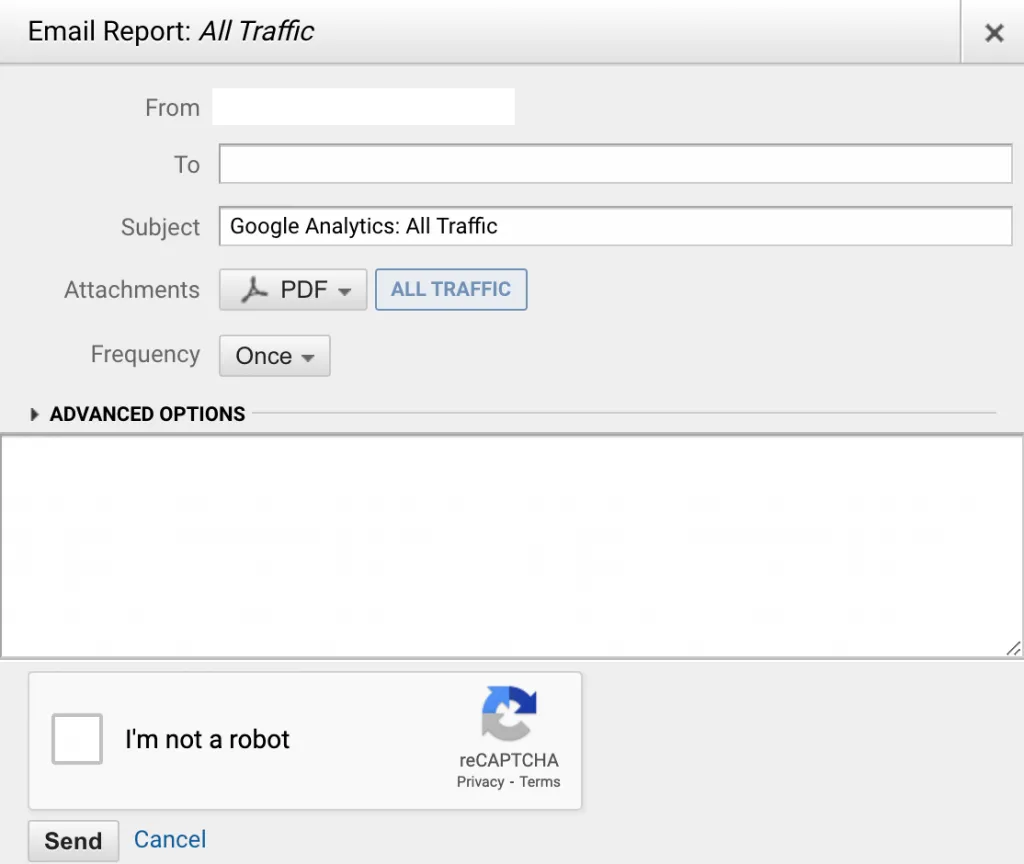
You can send the report directly to your email for this you have to schedule the email when you want this report and click on the send button.
Are you using Google Analytics to view search term data?
Let us know through the comment section below!
We set up tracking, run the ads and fix the funnel for D2C brands — so guides like this one become someone else's job.
Discover how to view full page URLs in GA4 and gain deeper insights into your website's performance. Uncover actionable strategies to boost user experience and conversions.
Read more →
To overcome this problem we have to exclude the IP address so that Google Analytics 4 don't track the audience from these IP address. Read More: How to
Read more →
Google Analytics automatically reflects where the traffic is coming from and displays the domain names of these sites as the referral-traffic in your report.
Read more →